在项目中使用 FairyGUI 包
将 FairyGUI 包导入 Studio 后,需通过脚本结合 FairyGUI API 和 资源管理器 API 在场景中使用它们,操作方式与 Studio 内置UI编辑器创建的包一致。
基本步骤
要使用导入的 FairyGUI 包:
脚本化交互式UI元素
为帮助创作者快速上手 FairyGUI 包的交互式UI元素脚本,我们提供了一个FairyGUI 示例包,可直接使用。导入前请先将包压缩为 ZIP 文件。
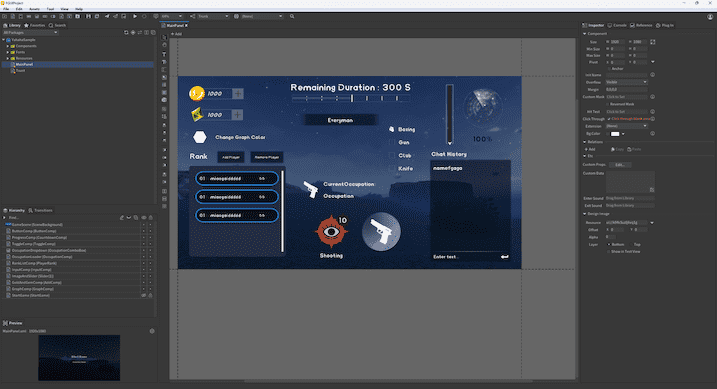
转场动画
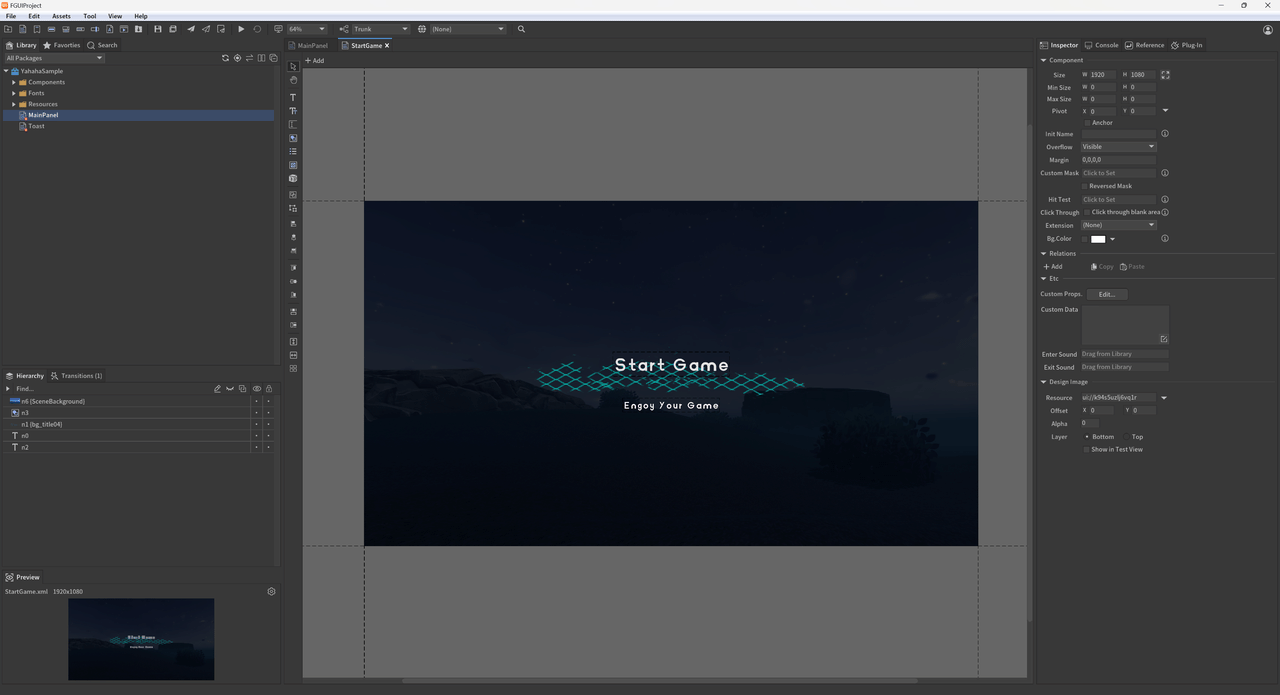
获取“StartGame”面板及其内部的“start”动画。播放动画,动画结束后隐藏该面板。
-- 转场动画:播放开场动画
def ShowStartGame()
    -- 使用 GetChild 方法获取 "StartComp" 组件
    local startComp = mainPanel:GetChild("StartGame")

    -- 从 "StartComp" 组件获取 "start" 动画
    local startTransition = startComp:GetTransition("start")

    -- 定义隐藏 StartComp 的函数
    local function HideStartComp()
        startComp.visible = false  -- 设置 StartComp 不可见
    end

    -- 播放 startTransition,动画结束后执行 HideStartComp
    startTransition:Play(HideStartComp)
end
文本与进度条
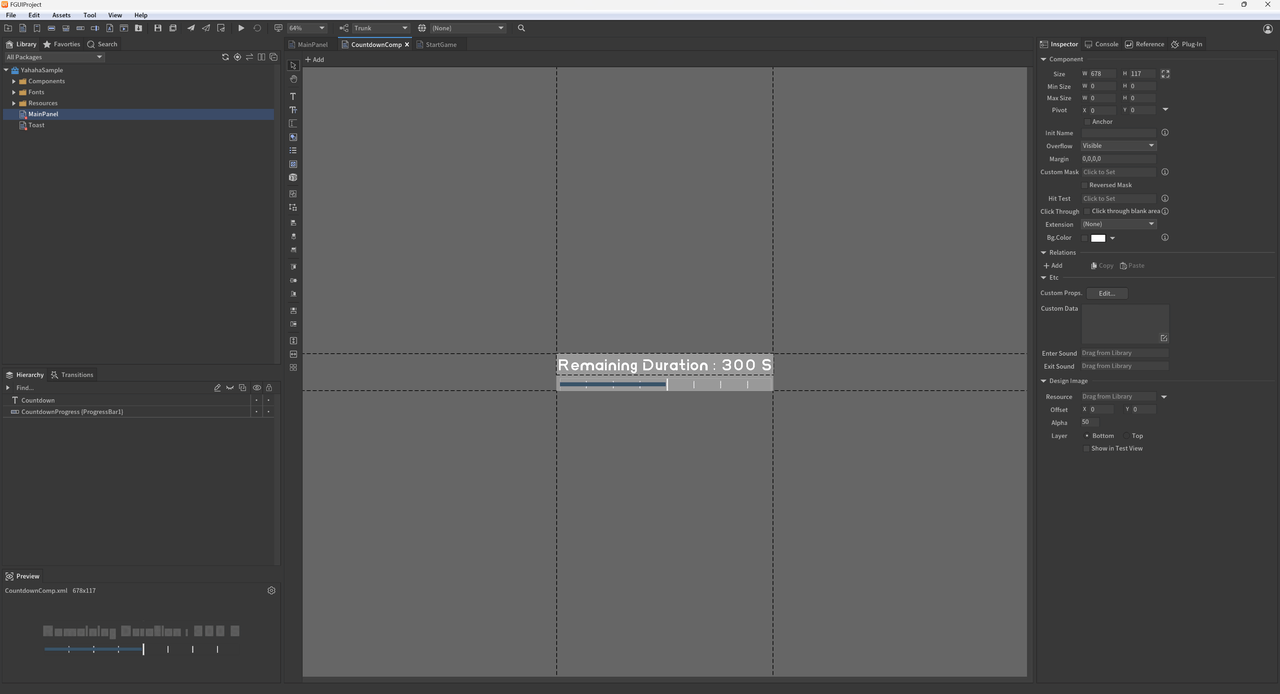
在 Update 方法中更新时间信息,实现倒计时和进度条显示。
-- 文本与进度条功能
local time=0
local totalTime=120--设置倒计时总时长
function CountDownText()
      if not mainPanel then
          return
      end

      time=time+0.02--每帧增加 0.02 秒
      local countDownText=mainPanel:GetChildByPath("ProgressComp.Countdown")--通过路径获取倒计时文本框
      countDownText.text="剩余时间 : "..math.ceil(totalTime-time).." S"--更新倒计时显示

      local progress=mainPanel:GetChildByPath("ProgressComp.CountdownProgress")--通过路径获取进度条
      progress.value=((totalTime-time)/totalTime)*100--根据剩余时间计算进度条百分比
end

-- 系统 Update 方法
script.OnUpdate(function ()
    -- 调用倒计时更新函数
    CountDownText()
end)
按钮
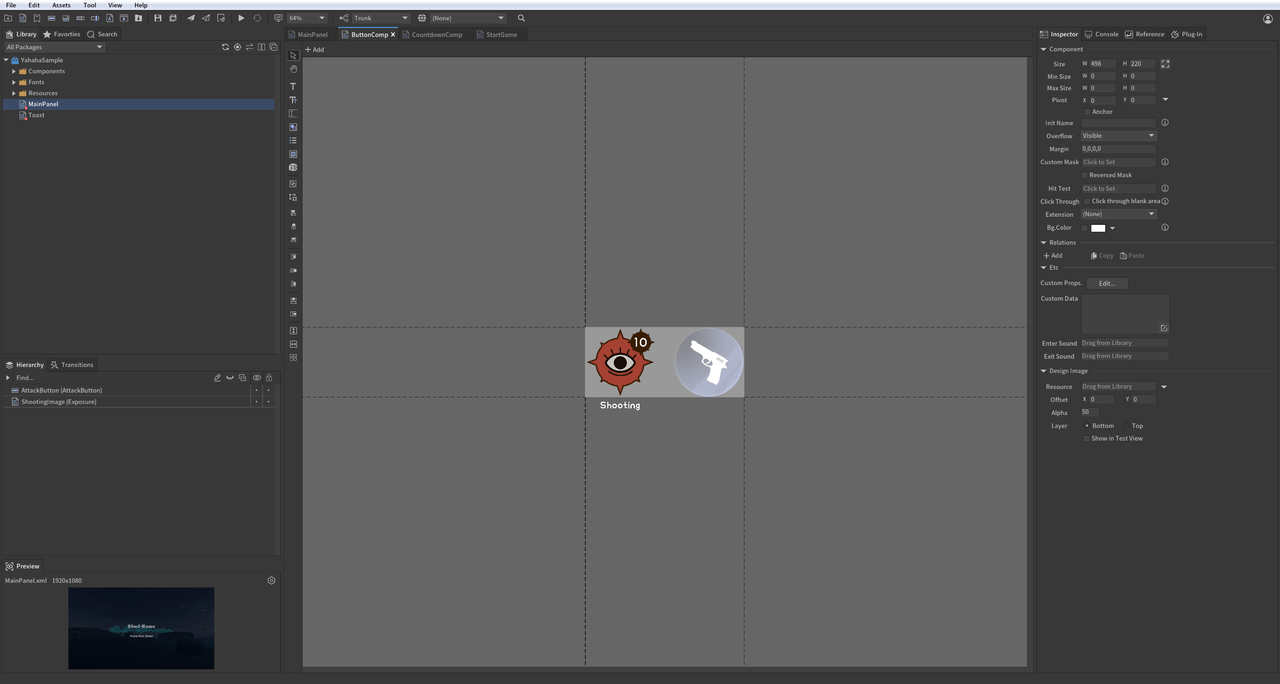
点击攻击按钮时,射击子弹数量减少。当子弹数为零时,攻击按钮进入 5 秒冷却期。
-- 按钮与控制器功能
local isShooting = true  -- 射击状态标志
local text  -- 剩余子弹文本变量
local shootingCountDown  -- 冷却计时文本变量
local BulletCount  -- 子弹数量变量
local controller1  -- 射击图片状态控制器
local controller2  -- 攻击按钮状态控制器
function Shooting()
   local button = mainPanel:GetChildByPath("ButtonComp.AttackButton")  -- 获取按钮
   controller1 = mainPanel:GetChildByPath("ButtonComp.ShootingImage"):GetController("isShooting")  -- 获取射击图片控制器
   controller2 = mainPanel:GetChildByPath("ButtonComp.AttackButton"):GetController("isShooting")  -- 获取攻击按钮控制器
   shootingCountDown = mainPanel:GetChildByPath("ButtonComp.AttackButton.ShootTimerText")  -- 获取冷却计时文本
   text = mainPanel:GetChildByPath("ButtonComp.ShootingImage.RemainingBulletsText")  -- 获取剩余子弹文本

   BulletCount = 10  -- 初始化子弹数为 10

   controller1.selectedIndex = 0  -- 设置控制器为射击状态(0)。0:射击;1:禁用。
   controller2.selectedIndex = 0

-- 按钮点击事件处理,点击时减少子弹数
   local function ButtonOnClickEvent()
       print("按钮被点击。")
       if not isShooting then
           return
       end

       BulletCount = BulletCount - 1  -- 子弹数减一
       text.text = tostring(BulletCount)  -- 更新剩余子弹文本

       if BulletCount <= 0 then
           controller1.selectedIndex = 1   -- 子弹用尽时切换为禁用状态
           controller2.selectedIndex = 1
           isShooting = false
       end
   end

   button.onClick:AddListener0(ButtonOnClickEvent)  -- 绑定按钮点击事件
end
列表
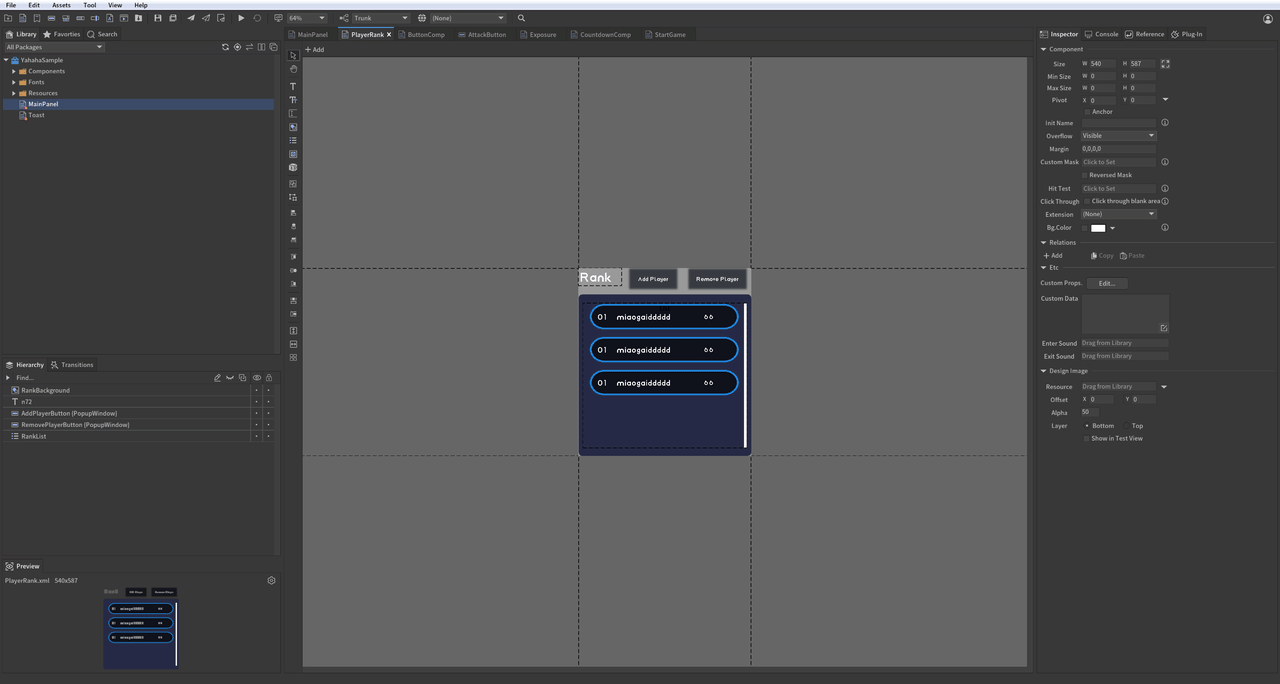
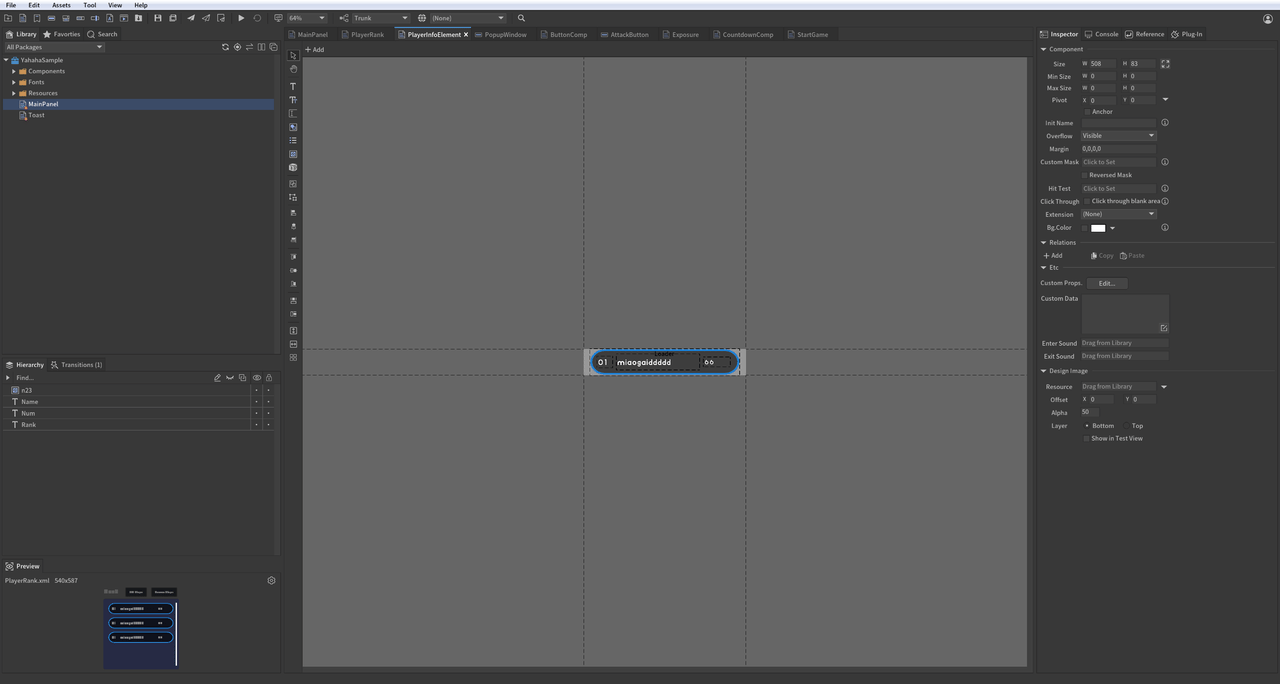
创建一个玩家列表,实时刷新以反映玩家数据变化。点击“添加玩家”按钮可增加玩家数量,点击“移除玩家”按钮可减少。
-- 列表:创建玩家排行榜
function ShowRankList()
   -- 创建玩家列表数据
   local rankData = {}
   -- 通过路径获取列表
   local list = mainPanel:GetChildByPath("RankListComp.RankList")
   -- 获取添加按钮
   local addButton = mainPanel:GetChildByPath("RankListComp.AddPlayerButton")
   -- 获取移除按钮
   local removeButton = mainPanel:GetChildByPath("RankListComp.RemovePlayerButton")
   -- 刷新列表数据,初始项数为 0
   list.numItems = 0

   -- 添加玩家信息方法
   local function AddButtonOnClickEvent()
       local length = rankData and #rankData or 1
       local newPlayer = {
           name = "hahaha_"..length,
           score = math.random(1, 100)
       }
       table.insert(rankData, newPlayer)
       table.sort(rankData, function (a, b)
           return a.score > b.score  -- 按分数降序排列
       end)

       -- 更新数据后,修改列表项数以刷新
       list.numItems = #rankData
   end

   addButton.onClick:AddListener0(AddButtonOnClickEvent)  -- 绑定添加按钮点击事件

   -- 移除玩家信息方法
   local function RemoveButtonOnClickEvent()
       if rankData and #rankData > 0 then
           table.remove(rankData, 1)  -- 移除第一个玩家
       end

       list.numItems = #rankData  -- 刷新列表
   end

   removeButton.onClick:AddListener0(RemoveButtonOnClickEvent)  -- 绑定移除按钮点击事件

   -- OnRenderList 返回每个 Item 及其索引,供自定义渲染
   local function OnRenderList(index, component)
       component:GetChild("Rank").text = tostring(index)  -- 设置排名
       component:GetChild("Name").text = rankData[index + 1].name  -- 设置玩家名
       component:GetChild("Num").text = tostring(rankData[index + 1].score)  -- 设置分数
   end

   list.itemRenderer = OnRenderList  -- 绑定渲染方法
end
图片与滑块
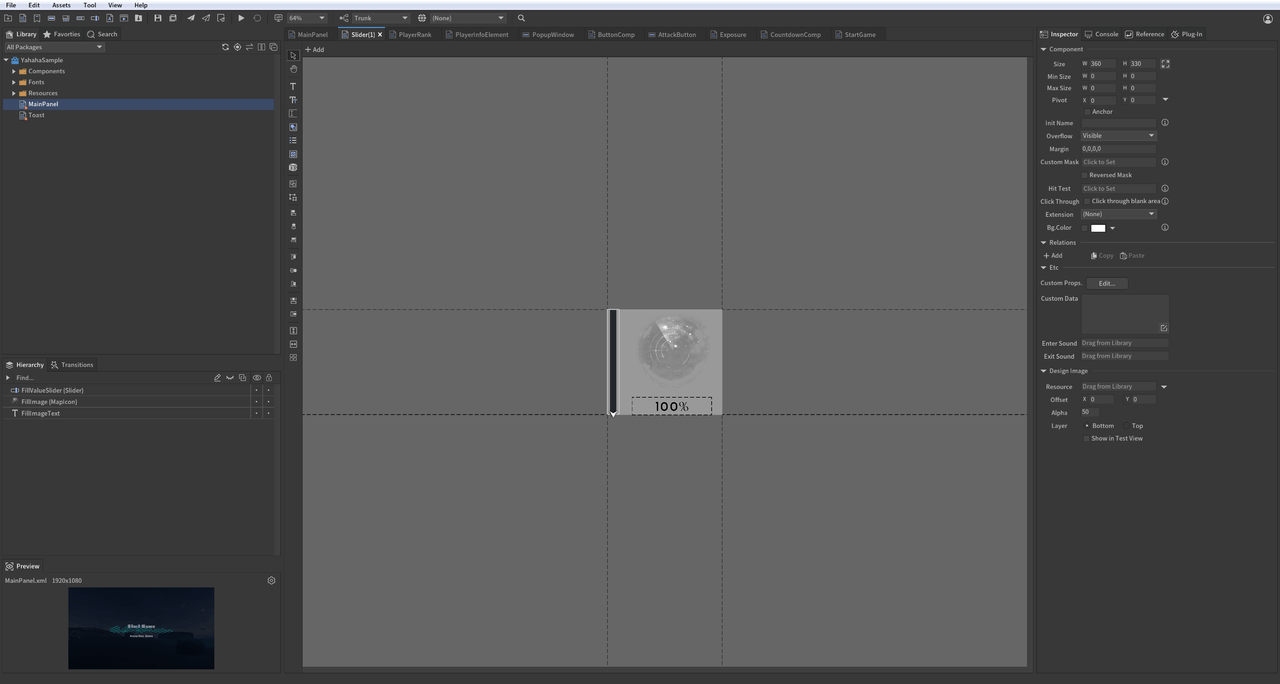
拖动滑块可改变图片的填充比例,并实时更新百分比显示。
-- 图片:修改图片填充比例
function ChangeMapImage()
    -- 通过 GetChildByPath 获取 "ImageAndSlider" 组件下的 "FillImage"
    local image = mainPanel:GetChildByPath("ImageAndSlider.FillImage")

    -- 获取滑块组件
    local slider = mainPanel:GetChildByPath("ImageAndSlider.FillValueSlider")

    -- 获取显示百分比的文本
    local text = mainPanel:GetChildByPath("ImageAndSlider.FillImageText")

    local function OnSliderMoveEvent()
        -- 修改图片填充比例
        image.fillAmount = slider.value / 100
        -- 更新百分比文本
        text.text = math.ceil(slider.value).."%"
    end

   slider.onChanged:AddListener0(OnSliderMoveEvent)  -- 监听滑块拖动事件,实时更新图片填充和文本
end
图形
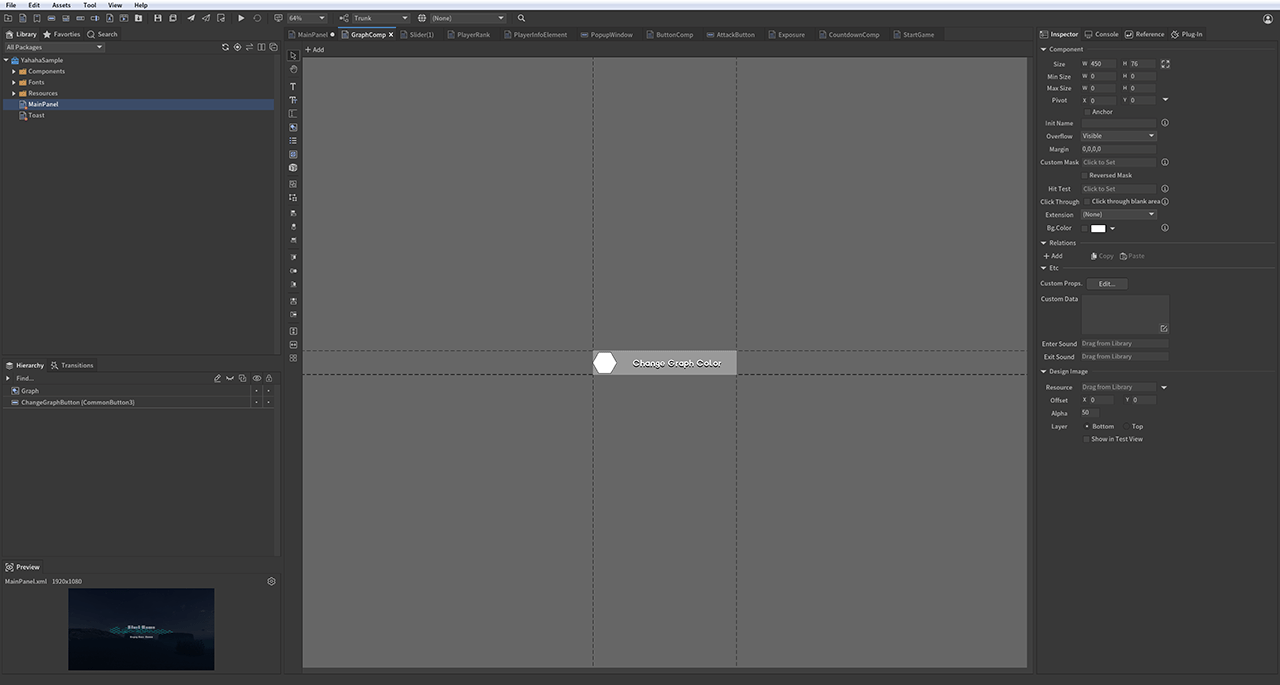
可通过脚本将图形与 ChangeColorButtonOnClickEvent 事件关联,实现点击图形时变色。例如,粘贴如下代码后,每次点击按钮,图形都会变为随机颜色。
-- 图形:变色功能
function ChangeGraphColor()
    local graph = mainPanel:GetChildByPath("GraphComp.Graph") -- 获取图形组件

    local changeColorButton=mainPanel:GetChildByPath("GraphComp.ChangeGraphButton")--获取变色按钮

    local function ChangeColorButtonOnClickEvent()
        -- 随机生成 RGB 颜色值
        local randomValue1=math.random() -- 红色分量
        local randomValue2=math.random() -- 绿色分量
        local randomValue3=math.random() -- 蓝色分量
        -- 设置图形颜色,透明度为 0.5
        graph.color=UnityEngine.Color(randomValue1,randomValue2,randomValue3,0.5)
    end
    changeColorButton.onClick:AddListener0(ChangeColorButtonOnClickEvent)--绑定点击事件
end
下拉组合框与加载器
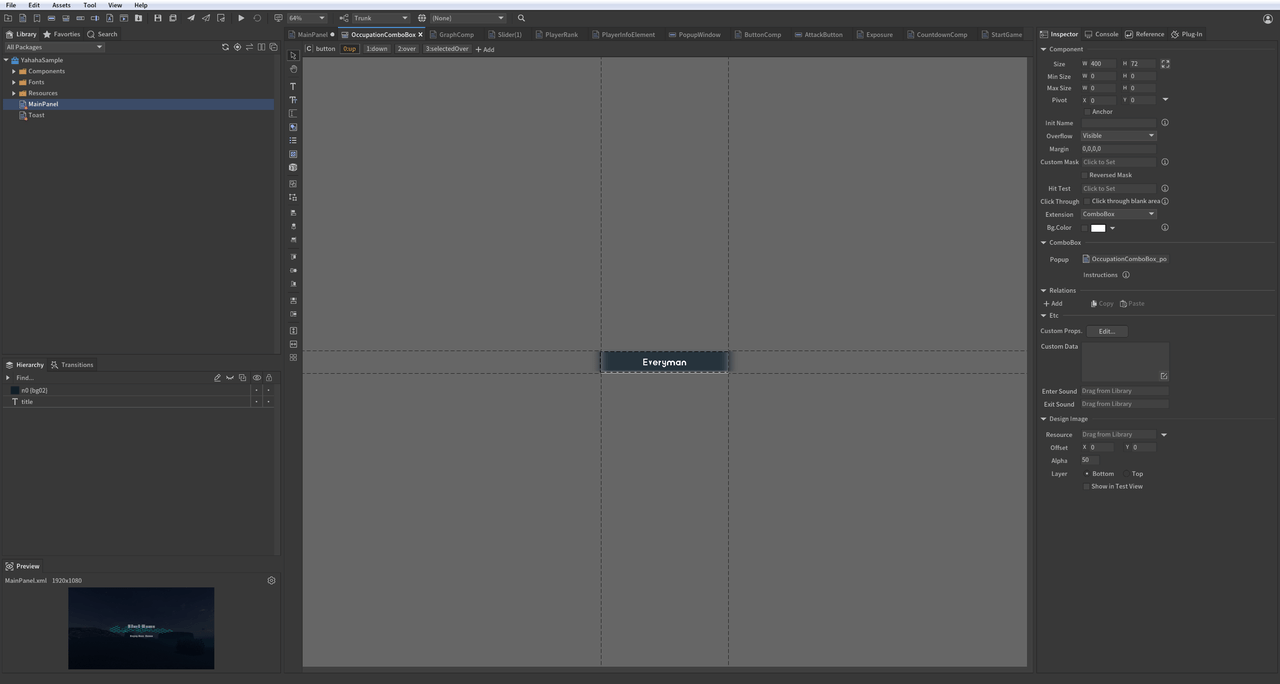
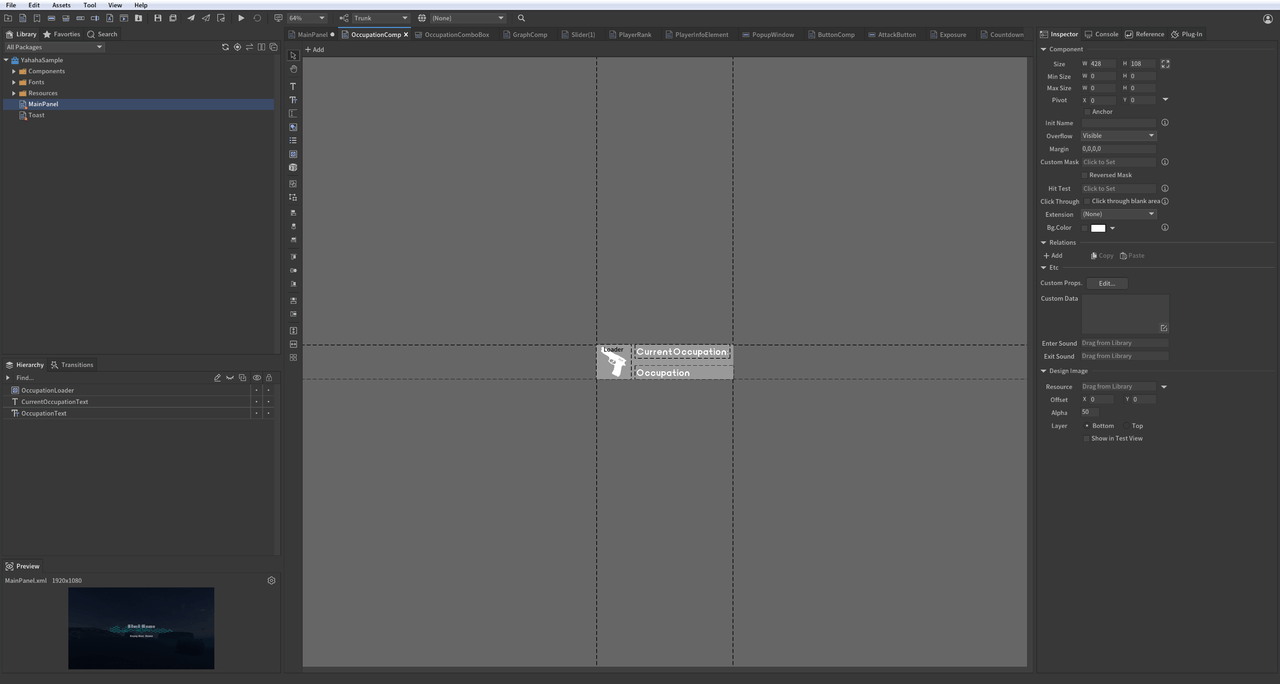
选择下拉框中的选项可切换加载器显示的对应图片。
-- 下拉框与 Loader 功能
function DropDownAndLoader()
   -- 获取职业选择下拉框
   local dropdown = mainPanel:GetChild("OccupationDropdown")
   -- 获取显示所选职业的文本
   local occupationText = mainPanel:GetChildByPath("OccupationLoader.OccupationText")
   -- 获取 Loader,用于根据选择显示图片
   local loader = mainPanel:GetChildByPath("OccupationLoader.OccupationLoader")

-- 存储下拉选项对应的图片 URL,根据选择切换 Loader 图片
local loaderIcons =
{
     [1] = "ui://k94s5uzlj6vq5",
     [2] = "ui://k94s5uzlj6vq7",
     [3] = "ui://k94s5uzlj6vql",
     [4] = "ui://k94s5uzlj6vqm"
}

-- 下拉框选项变化时切换图片
local function OnDropdownSelectedEvent()
     -- 根据选择更新职业文本
     occupationText.text = dropdown.text
     -- 根据选择索引切换 Loader 图片
     loader.url = loaderIcons[dropdown.selectedIndex + 1]
end

-- 绑定下拉框选项变化事件
dropdown.onChanged:AddListener0(OnDropdownSelectedEvent)
文本输入框
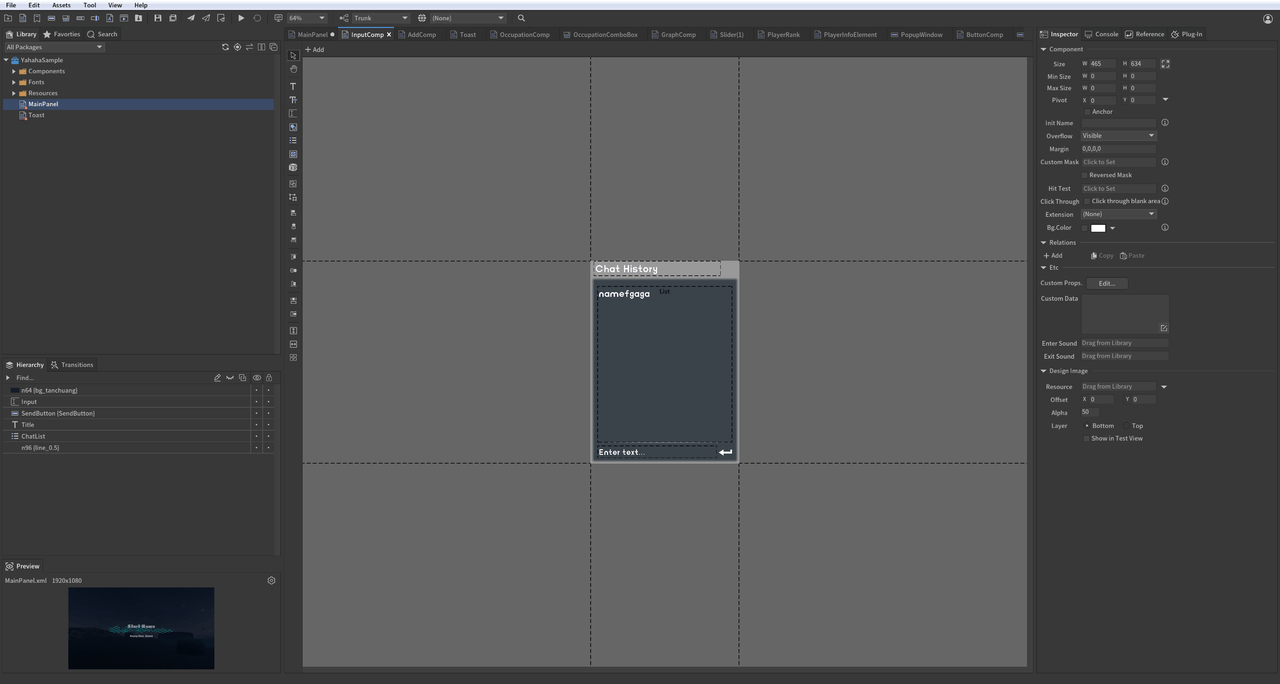
创建一个文本对话框,允许用户输入内容并发送消息。
-- 输入框与富文本功能
function ChatInput()
   -- 聊天消息存储列表
   local chatHistoryData = {}
   -- 获取用户输入框
   local textInput = mainPanel:GetChildByPath("InputComp.Input")
   -- 获取发送按钮
   local sendButton = mainPanel:GetChildByPath("InputComp.SendButton")
   -- 获取聊天消息列表
   local chatList = mainPanel:GetChildByPath("InputComp.ChatList")

   -- 输入内容变化时触发
   local function OnInputChangedEvent()
       print(">>> 输入内容为 : "..textInput.text) -- 打印当前输入内容
   end
   textInput.onChanged:AddListener0(OnInputChangedEvent) -- 监听输入变化

   -- 渲染聊天消息列表每一项
   local function OnRenderChatList(index, component)
       component:GetChild("Text").text = "[color=#54FF13] ".. chatHistoryData[index + 1].." [/color]" -- 使用 UBB 语法渲染彩色文本
   end

   chatList.itemRenderer = OnRenderChatList -- 绑定渲染方法

   -- 发送消息并刷新聊天列表
   local function SendButtonOnClickEvent()
       if textInput.text == "" then
           return
       end
       table.insert(chatHistoryData, textInput.text) -- 添加消息到历史
       chatList.numItems = #chatHistoryData -- 刷新列表
       textInput.text = "" -- 发送后清空输入框
   end

   sendButton.onClick:AddListener0(SendButtonOnClickEvent) -- 发送按钮点击时发送消息
   textInput.onSubmit:AddListener0(SendButtonOnClickEvent) -- 回车键发送消息
end
提示弹窗
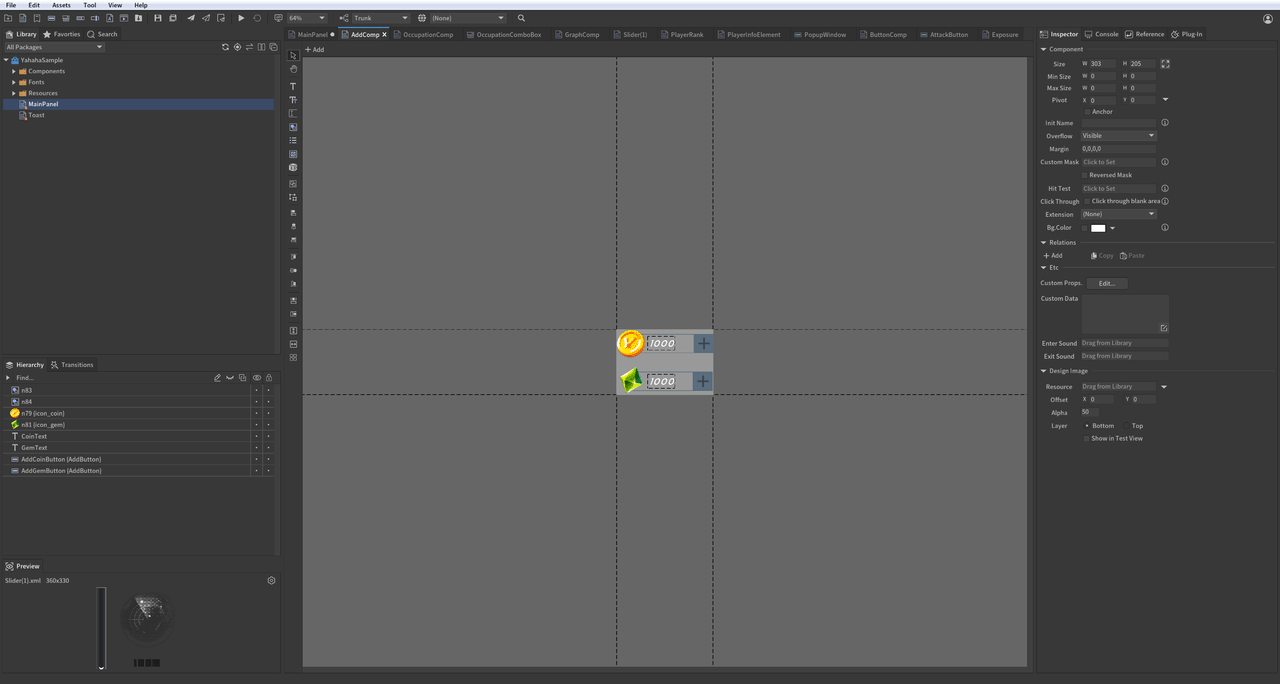
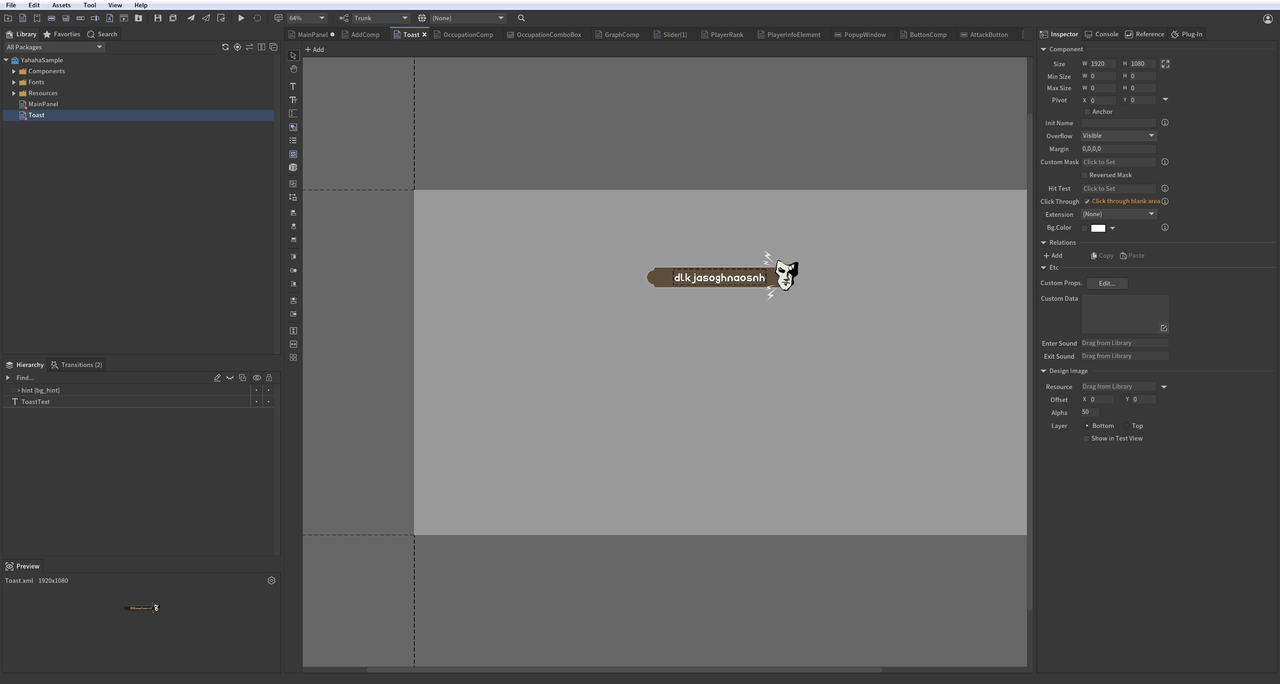
点击添加金币或宝石按钮时,会弹出“+1”提示。
-- 子面板:点击按钮弹出 Toast 提示
function AddGoldOrGem()
    local function PlayTran(toastPanel)
        toastPanel:GetTransition("Enter"):Play(function ()--播放进入动画
            toastPanel:GetTransition("Exit"):Play(function ()--进入动画结束后播放退出动画
                toastPanel:Dispose()--退出动画结束后销毁面板
            end)
        end)
    end

    local function CreateToastPanel() -- 创建 Toast 面板方法
        local toastPanel=UIPackage.CreateObject(packageName,"Toast")
        mainPanel:AddChild(toastPanel)--添加到主面板
        toastPanel.size=mainPanel.size--设置 Toast 面板尺寸与主面板一致
        return toastPanel
    end

    local goldCount=0 -- 初始化金币数
    local gemCount=0  -- 初始化宝石数

    local goldText=mainPanel:GetChildByPath("GoldAndGemComp.CoinText")
    goldText.text=tostring(goldCount) -- 显示初始金币数
    local gemText=mainPanel:GetChildByPath("GoldAndGemComp.GemText")
    gemText.text=tostring(gemCount) -- 显示初始宝石数

    local addGoldButton=mainPanel:GetChildByPath("GoldAndGemComp.AddCoinButton")--获取加金币按钮
    -- 添加金币事件处理,更新金币数并弹出 Toast
    local function AddGoldButtonOnClickEvent()
        goldCount=goldCount+1
        goldText.text=tostring(goldCount)--更新金币显示

        local toastPanel=CreateToastPanel()--创建 Toast 面板
        toastPanel:GetChild("ToastText").text="金币 + 1"--设置提示内容
        PlayTran(toastPanel)--播放动画
     end

    addGoldButton.onClick:AddListener0(AddGoldButtonOnClickEvent)--绑定加金币按钮点击事件

    local addGemButton=mainPanel:GetChildByPath("GoldAndGemComp.AddGemButton")--获取加宝石按钮

      -- 添加宝石事件处理,更新宝石数并弹出 Toast
      local function AddGemButtonOnClickEvent()
          gemCount=gemCount+1
          gemText.text=tostring(gemCount)--更新宝石显示

          local toastPanel=CreateToastPanel()--创建 Toast 面板
          toastPanel:GetChild("ToastText").text="宝石 + 1"--设置提示内容
          PlayTran(toastPanel)--播放动画
      end
      addGemButton.onClick:AddListener0(AddGemButtonOnClickEvent)--绑定加宝石按钮点击事件
end
完整示例
下方视频演示了示例包中的所有 UI 效果:
如需查看完整代码示例,可点击代码示例下载。
常用 FGUI 组件与事件
-- 组件类型
local FGUIUIComponentType = {
    Component = "Component",
    Button = "Button",
    Graph = "Graph",
    Image = "Image",
    List = "List",
    Loader = "Loader",
    ProgressBar = "ProgressBar",
    Slider = "Slider",
    Text = "Text",
    TextInput = "TextInput",
    Dropdown = "Dropdown",
    Controller = "Controller",
    Transition = "Transition",
    RichText = "RichText"
}
-- 事件监听类型
FGUIEventListenerType = {
    onClick = "onClick",
    onChanged = "onChanged",
    onRightClick = "onRightClick",
    onTouchBegin = "onTouchBegin",
    onTouchMove = "onTouchMove",
    onTouchEnd = "onTouchEnd",
    onDragStart = "onDragStart",
    onDragMove = "onDragMove",
    onDragEnd = "onDragEnd",
    onRollOut = "onRollOut",
    onRollOver = "onRollOver",
    onFocusIn = "onFocusIn",
    onFocusOut = "onFocusOut",
    onSizeChanged = "onSizeChanged",
    onSubmit = "onSubmit",
}